
Learning the Computer 101 Class

- Description
- Curriculum
- Reviews
- Grade
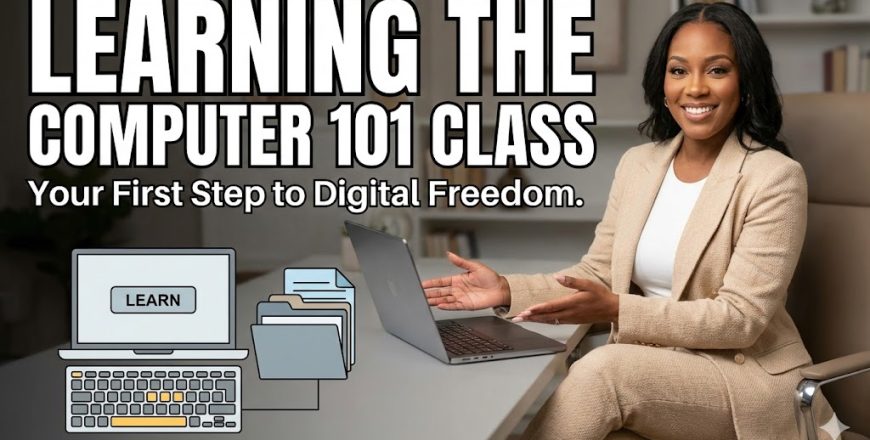
Learning the Computer 101 is a beginner‑friendly, practical introduction to understanding and using a computer with confidence. Originally delivered as a live class, this course captures the real, interactive energy of a classroom session — making it feel like you’re learning alongside others, step by step.
Inside, you’ll learn the essential foundations every new computer user needs: navigating the desktop, understanding files and folders, using the internet safely, managing basic applications, and building the confidence to explore technology without fear.
Although the lessons were recorded during a live session, the content is clear, structured, and easy to follow. Each module is paired with a short quiz, and the course is set to drip mode, meaning each lesson unlocks only after you complete the previous one — helping you stay focused and build skills in the right order.
If you’ve ever felt intimidated by computers or wished someone would explain things slowly, simply, and without jargon, this course was made for you.
This course was originally recorded during a live class session. The real‑time explanations and demonstrations make the learning experience feel natural and supportive, just like being in the room.


Course Title: Learning the Computer 101 Level: Beginner Format: Recorded live class (clear audio + screen walkthroughs) Delivery: Drip — each lesson unlocks after completing the previous one Includes:
-
Step‑by‑step lessons
-
Quizzes for each module
-
Practical demonstrations
-
Certificate of completion
-
No prior computer knowledge needed
-
Access to a computer (Windows or Mac)
-
Ability to follow simple on‑screen instructions
-
Willingness to practice what you learn
This course is ideal for:
-
Absolute beginners who want to learn how to use a computer from scratch
-
Adults returning to learning after a long break
-
Anyone who feels intimidated by technology and wants a patient, simple guide
-
Parents, students, or professionals who want to build foundational digital skills
-
Learners who prefer a real‑class feel rather than a polished studio recording

 Google